Latest Smartphone OS Updates and Features – What’s New in 2025?
Discover the latest smartphone OS updates and features of 2025, including Android 14 and iOS 18 innovations, privacy enhancements, performance boosts, and expert tips to maximize your device.
Introduction – Why Keeping Up with the Latest Smartphone OS Updates and Features is Essential
In 2025, smartphone OS updates are more crucial than ever. They not only bring new functionalities but also patch security flaws, optimize performance, and enhance privacy controls. Whether you are using Android or iOS, the latest smartphone OS updates and features dramatically improve your device’s overall experience.
Stay updated with trusted sources like CNET Mobile News and The Verge Software Updates for real-time info on OS developments.
Overview of the Leading Smartphone Operating Systems in 2025
| OS | Latest Version | Key Features | Update Frequency | Supported Devices Example |
|---|---|---|---|---|
| Android | Android 14 | Material You 3.0, enhanced privacy, multitasking | Annual major updates + monthly patches | Pixel 7/8, Samsung S23, OnePlus 12 |
| iOS | iOS 18 | Interactive widgets, Focus mode, privacy improvements | Annual major updates + quarterly patches | iPhone 14/15 series, iPhone SE 2025 |
| HarmonyOS | 4.0 | Ecosystem integration, device continuity | Varies by manufacturer | Huawei P60, Mate X3 |
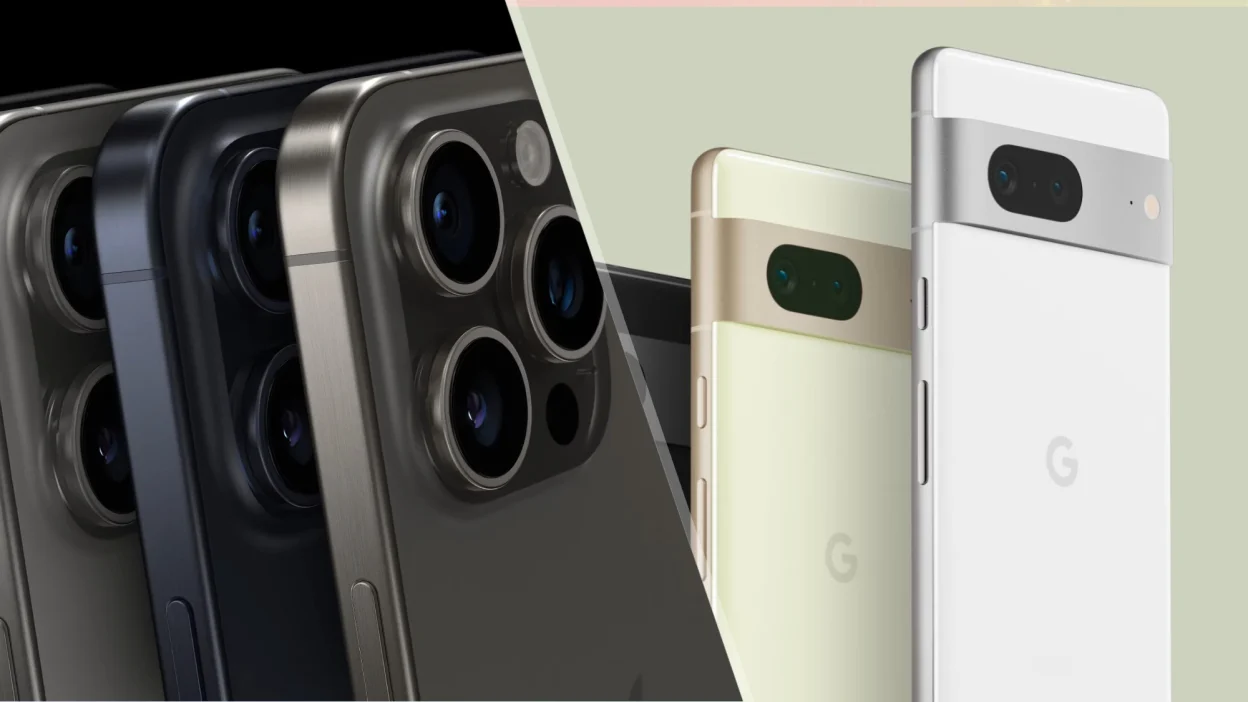
Android 14 continues to innovate with smart AI features and improved customization, while iOS 18 focuses heavily on user privacy and seamless ecosystem integration. Meanwhile, HarmonyOS caters to users deeply embedded in Huawei’s expanding ecosystem.
Key Features in the Latest Android OS Updates
- Material You 3.0: Personalize colors and shapes across apps, widgets, and system UI to create a consistent theme matching your style.
- Privacy & Security: One-time app permissions, clipboard access alerts, and a revamped permission manager empower user control.
- Multitasking: Improved split-screen, picture-in-picture enhancements, and floating windows improve productivity.
- AI-Powered Features: Smarter predictive text, auto-suggestions, and adaptive battery optimize daily usage.
Latest iOS Updates and Features for Apple Users
- Lock Screen Customization: Choose from new fonts, widgets, and photo effects for a personalized experience.
- Live Activities: Get real-time updates on sports scores, delivery status, or workouts directly on the Lock Screen.
- Focus Mode: Advanced AI filters notifications based on context—work, personal time, or sleep.
- Privacy: Enhanced Face ID recognition and stricter app tracking transparency give users greater control.
Cross-Platform Innovations Shaping 2025
- Universal Clipboard: Easily copy-paste content between your iPhone, iPad, and Mac devices.
- Improved Bluetooth & AirDrop: Faster file transfers and support for more devices ensure seamless sharing.
- Cloud Syncing: Enhanced integration with Google Drive and iCloud offers reliable backups and syncing of app data.
Security Enhancements in the Latest Smartphone OS Updates
- iOS introduces stricter App Tracking Transparency (ATT) requiring apps to get explicit permission for tracking.
- Android’s revamped Permissions Manager allows users to grant apps one-time access or deny background data use.
- Emerging built-in VPN and firewall features offer users more control over network security without third-party apps.
Performance and Battery Optimization Features
- Background App Management: Both OSes intelligently pause apps running in the background to conserve power.
- Adaptive Refresh Rates: OLED panels switch between 1Hz and 120Hz dynamically to save battery without sacrificing smoothness.
- AI Battery Prediction: Algorithms learn your usage habits and adjust settings to maximize battery longevity.
Latest Camera and Multimedia Enhancements via OS Updates
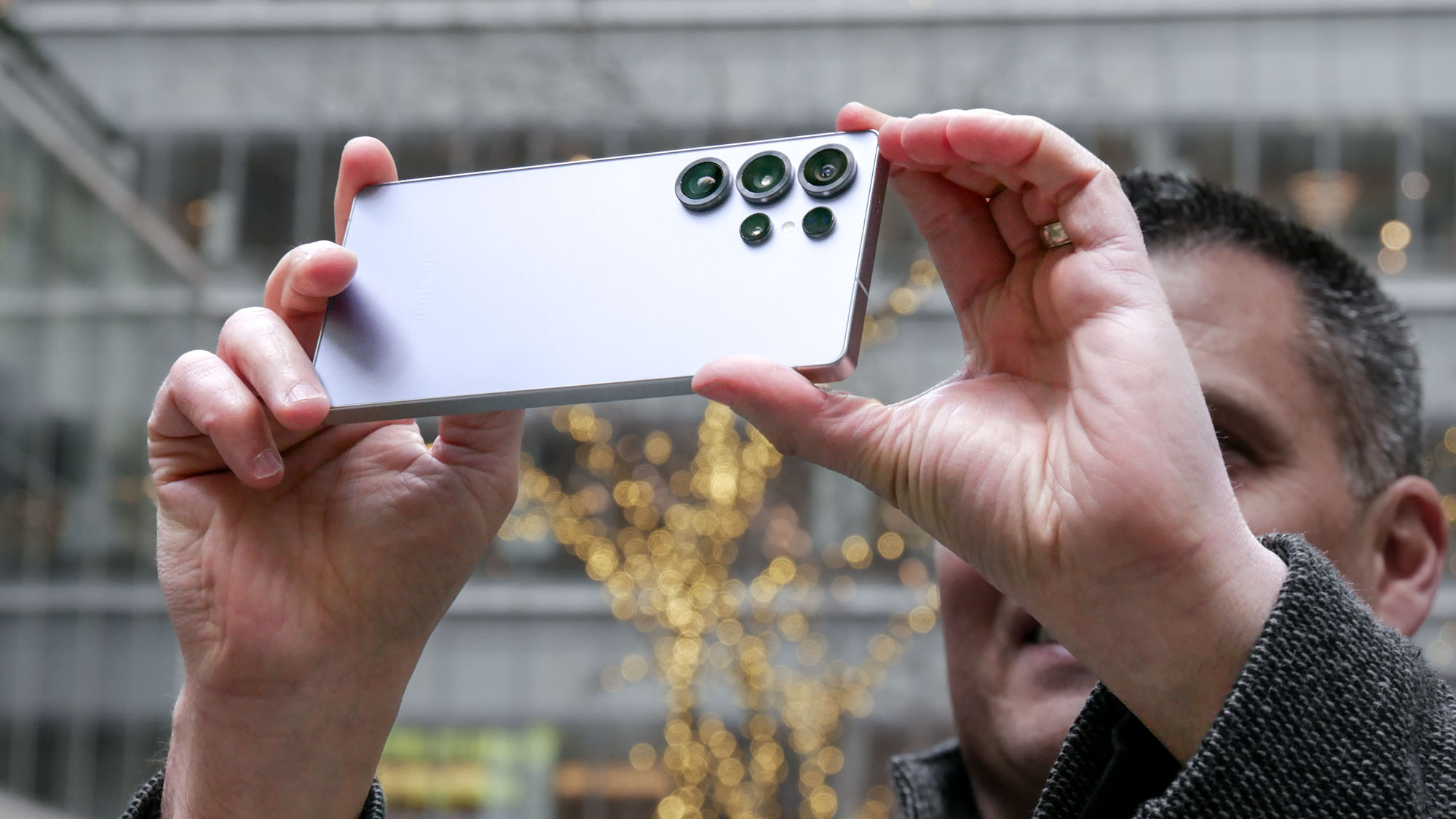
- New native photo editing tools rival popular apps with advanced filters, cropping, and adjustment controls.
- Improved video stabilization creates smoother videos during calls and recordings.
- Support for high frame-rate (120fps) video recording on front and rear cameras enhances slow-motion effects.
Accessibility Features in 2025 Smartphone OS Updates
- Voice Control is more natural and responsive, allowing hands-free operation with conversational commands.
- Screen Readers and Magnifiers provide greater clarity and customization for visually impaired users.
- UI customization lets users adjust colors, contrast, and font size for a more comfortable experience.
Gaming Features and Optimizations in Android 14 and iOS 18
- Low latency audio keeps sound effects tightly synced with on-screen action.
- Game Mode enhances CPU/GPU performance while restricting background processes.
- Native support for cloud gaming services like Xbox Cloud Gaming and Google Stadia ensures smooth gameplay.
Impact of Latest OS Updates on App Ecosystems
- New APIs empower developers to build more secure, efficient, and innovative apps.
- Enhanced multitasking makes app switching fluid and productivity-focused.
- AI features drive trends like smart assistants and AR/VR app growth.
Update Rollout Strategies and What Users Should Expect
- Android updates roll out in phases, dependent on device manufacturers and carriers.
- Apple delivers iOS updates simultaneously to all supported devices.
- Pro tip: Wait a few days after release before updating to avoid initial bugs or glitches.
Expert Tips for Managing Smartphone OS Updates
- Always backup your data before installing major updates using Google Backup or iCloud.
- Clear storage and close background apps for a smooth update process.
- Familiarize yourself with new features slowly—customize settings to your liking.
- Report bugs or issues to official channels promptly for quicker fixes.
Conclusion – Embrace the Latest Smartphone OS Updates and Features to Enhance Your Device
Keeping up with the latest smartphone OS updates and features is essential in 2025 to ensure your device stays secure, fast, and feature-rich. Whether you’re using Android, iOS, or other platforms, updating means unlocking new capabilities and protecting your data. Stay informed, stay updated, and make the most out of your smartphone.
Read Also: 5G Smartphones with the Fastest Speeds – 2025’s Ultimate Guide to Ultra-Fast Connectivity
FAQs – Latest Smartphone OS Updates and Features
| Question | Answer |
|---|---|
| How often should I update my smartphone OS? | Update as soon as stable versions release to enjoy new features and security patches. |
| Can OS updates slow down older phones? | Sometimes, but most manufacturers optimize updates for older devices; check reviews before updating. |
| What are the key privacy improvements in 2025? | Granular app permissions, app tracking transparency, and improved encryption are standard. |
| Is it possible to revert to an older OS version? | Generally no, especially on iOS. Some Android devices may allow rollbacks, but with risks. |
| Do OS updates affect battery life? | Updates may temporarily reduce battery but often include optimizations that improve it long term. |
Helpful Resources:
- Android 14 Overview – Google Blog
- iOS 18 Preview – Apple
- CNET Mobile OS News
- The Verge Software Updates
- Google Backup & Restore
- Apple iCloud Backup