Android vs iPhone: Which Is Better for Productivity in 2025?
Explore the ultimate Android vs iPhone productivity comparison in 2025. Discover features, apps, security, and expert tips for work efficiency.
Introduction – The Productivity Battle: Android vs iPhone
When choosing a smartphone, productivity is a top priority for many. Whether juggling emails, managing projects, or joining video calls, your device can either help or hinder your workflow. The Android vs iPhone debate extends far beyond specs—it’s about which platform truly empowers you to get more done.
User Interface and Customization – Tailoring Your Workflow
Android’s open system lets users heavily customize their homescreens with widgets, shortcuts, and launchers. This flexibility allows quick access to productivity tools exactly how you want them.
Conversely, iOS offers a streamlined, consistent interface with polished animations and intuitive gestures. The Focus mode helps block distractions to keep you on track.
Verdict:
- Android = Power users who love customization
- iPhone = Users who prefer simplicity and reliability
Multitasking Features – Getting More Done Efficiently
Android supports split-screen, floating windows, and picture-in-picture, letting you interact with multiple apps simultaneously—great for comparing documents or messaging while referencing data.
iOS 18 introduced Stage Manager, enabling resizable app windows on iPads and improved app switching on iPhones.
Which is better? Android currently leads in multitasking flexibility, but Apple is closing the gap with software refinements.
Email and Communication Apps
Android phones come preloaded with Gmail and support a wide array of email clients like Outlook and BlueMail, catering to various business needs.
iPhones boast seamless integration of iMessage, FaceTime, and Mail app, making communication effortless within Apple’s ecosystem and beyond.
Many productivity professionals prefer iPhone for its unified communication experience, especially in environments using MacBooks and iPads.
File Management and Cloud Storage
Android’s native file explorer gives full access to your device and SD cards, combined with Google Drive for cloud storage—great for collaborative work.
iOS Files app offers a centralized place for iCloud Drive, Dropbox, and third-party storage apps, though file system access remains more restricted compared to Android.
Keyboard and Input Options
Android offers a vast selection of keyboards such as Gboard and SwiftKey, with excellent voice dictation and multilingual typing.
iPhone’s default keyboard excels in predictive text, swipe typing, and supports Siri dictation with high accuracy.
App Ecosystem and Availability
The Apple App Store is known for high-quality, curated productivity apps, often debuting first or exclusively on iOS.
Google Play Store hosts a larger number of apps with more variety, though quality varies more widely.
Many major productivity apps—Microsoft Office, Slack, Zoom—are available and optimized on both platforms.
Integration with Other Devices
Apple’s ecosystem is unmatched for productivity if you own multiple devices. Features like Handoff, Universal Clipboard, and AirDrop streamline workflows across Mac, iPad, and iPhone.
Android integrates well with Windows PCs through Your Phone app, and newer tools like Nearby Share facilitate quick data transfers.
Security and Privacy Considerations for Work
Apple maintains strict privacy controls with app sandboxing and App Tracking Transparency, appealing to security-conscious users.
Android has made great strides, introducing Google Play Protect, permissions revamps, and encryption, but fragmentation across devices remains a challenge.
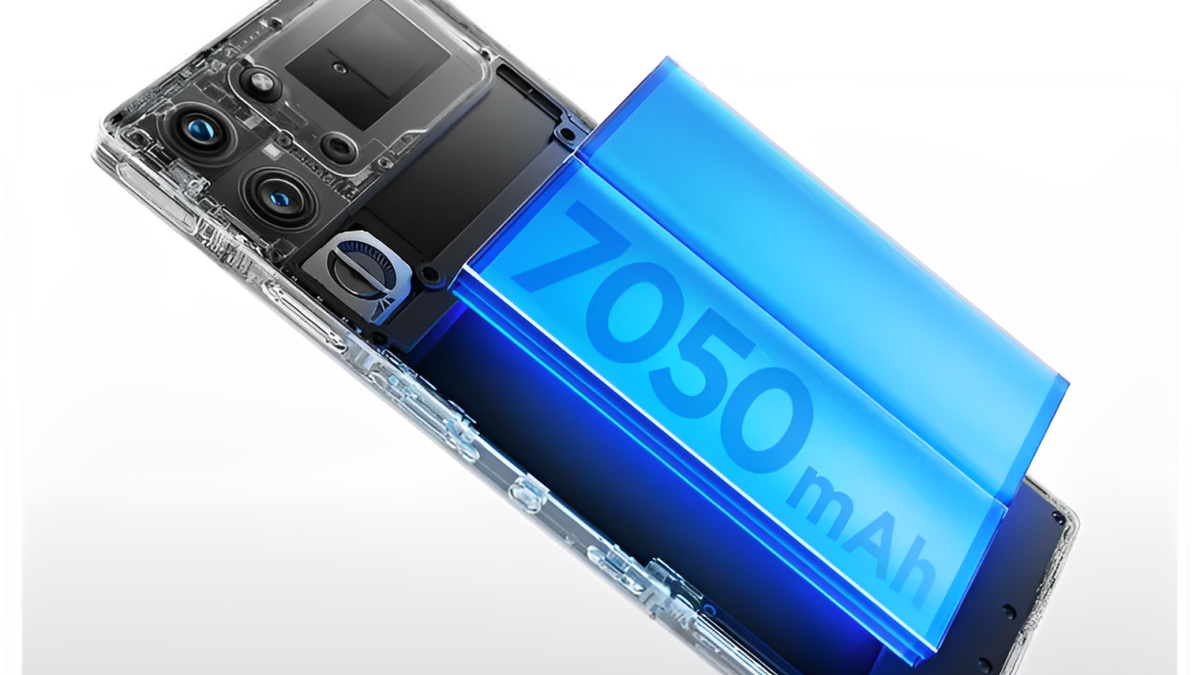
Battery Life and Performance Under Heavy Use
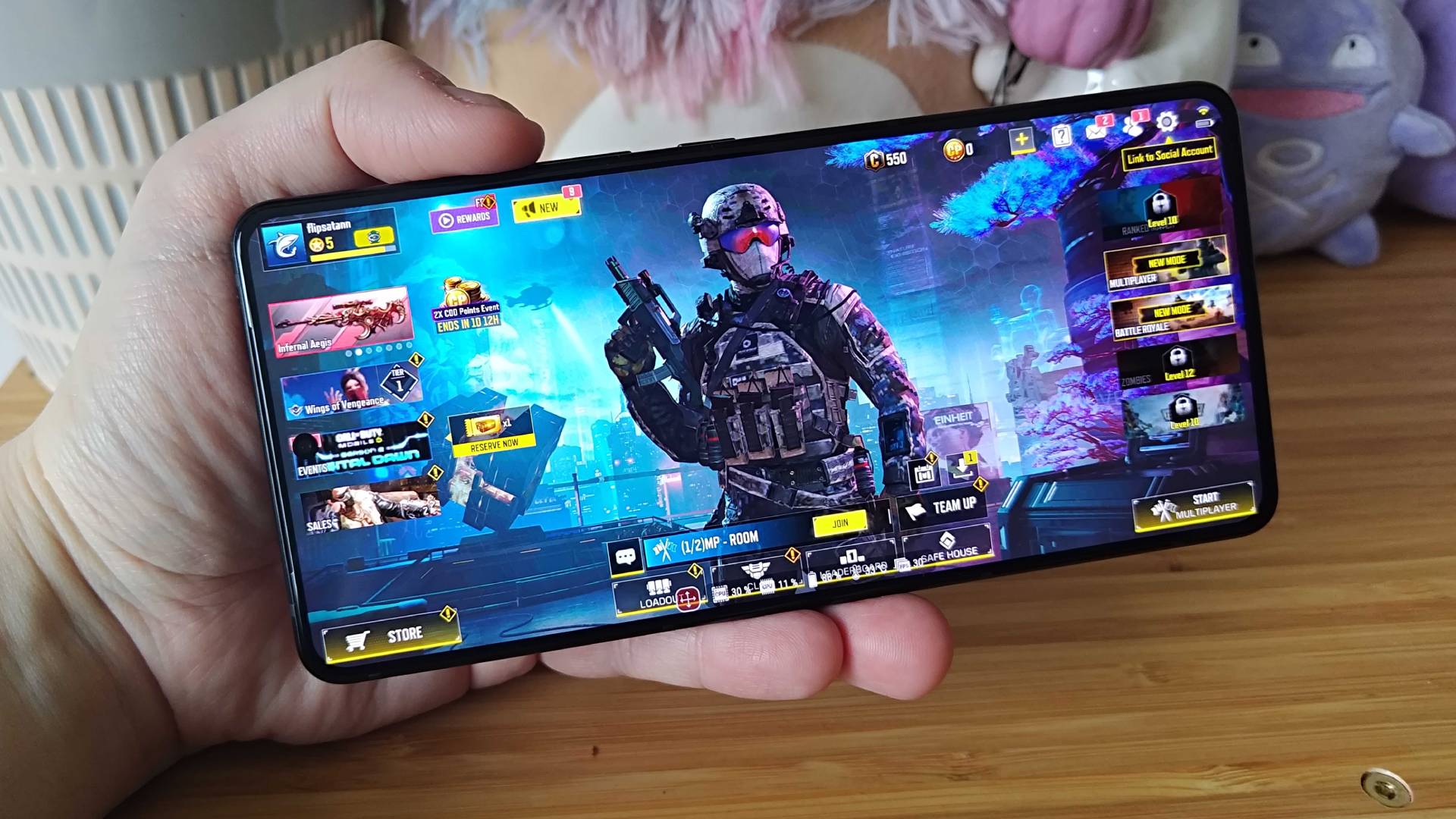
Real-world tests show flagship iPhones often deliver consistent battery life during heavy use, thanks to hardware-software optimization.
Android phones vary widely; models like Samsung Galaxy S23 Ultra and Google Pixel 8 Pro balance power and endurance well.
Virtual Assistants and AI Productivity Tools
Google Assistant on Android is renowned for its robust natural language processing and integration with Google Workspace.
Siri on iPhone integrates tightly with Apple apps and supports shortcuts and automation for common tasks.
Cost and Value for Productivity Needs
iPhones generally come at a premium but offer long-term software support and resale value.
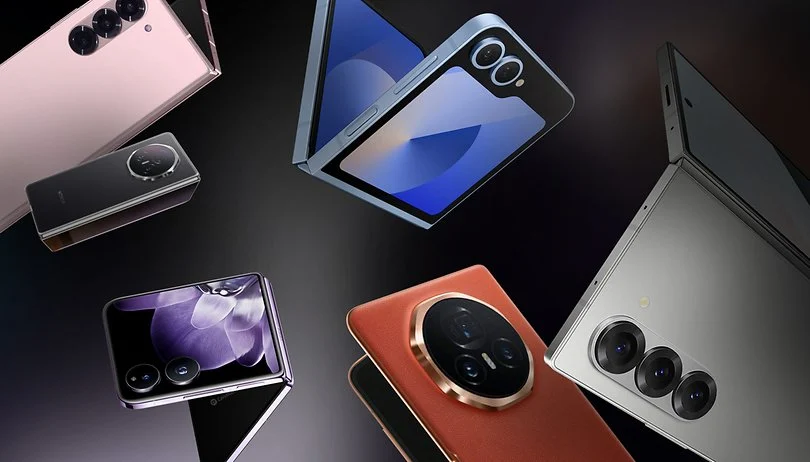
Android offers a wider price range from budget to flagship, allowing more tailored investments based on budget.
Latest Productivity Enhancements in Android 14 and iOS 18
Both OSes introduced features targeting productivity:
- Android 14’s enhanced multitasking and smart replies
- iOS 18’s interactive widgets and Focus mode AI improvements
Expert Buying Tips – Choosing Between Android and iPhone for Productivity
- Prioritize the OS ecosystem you’re already invested in.
- Consider multitasking and app availability.
- Evaluate device integration needs (PC, tablet).
- Balance budget with feature needs.
Conclusion – Making the Smart Choice: Android vs iPhone for Productivity
Choosing between Android vs iPhone for productivity comes down to your workflow preferences and ecosystem loyalty. Android offers unparalleled customization and flexibility, while iPhone provides a polished, secure, and seamless experience. Both platforms excel in 2025, making either a powerful productivity companion.
Read Also: 5G Smartphones with the Fastest Speeds
FAQs – Android vs iPhone Productivity Comparison
- Which OS offers better multitasking features?
Android leads with flexible multitasking; iOS is improving rapidly. - Can iPhone integrate well with Windows PCs?
Yes, through apps like iCloud and third-party solutions. - Are Android productivity apps as good as iOS?
Most major apps are available and optimized on both platforms. - How do privacy features impact productivity?
Better privacy often means safer, more reliable work environments. - Is there a big price difference for productivity phones?
iPhones tend to be pricier; Android has wider options across budgets.
Relevant Links: